
+91-9998428427
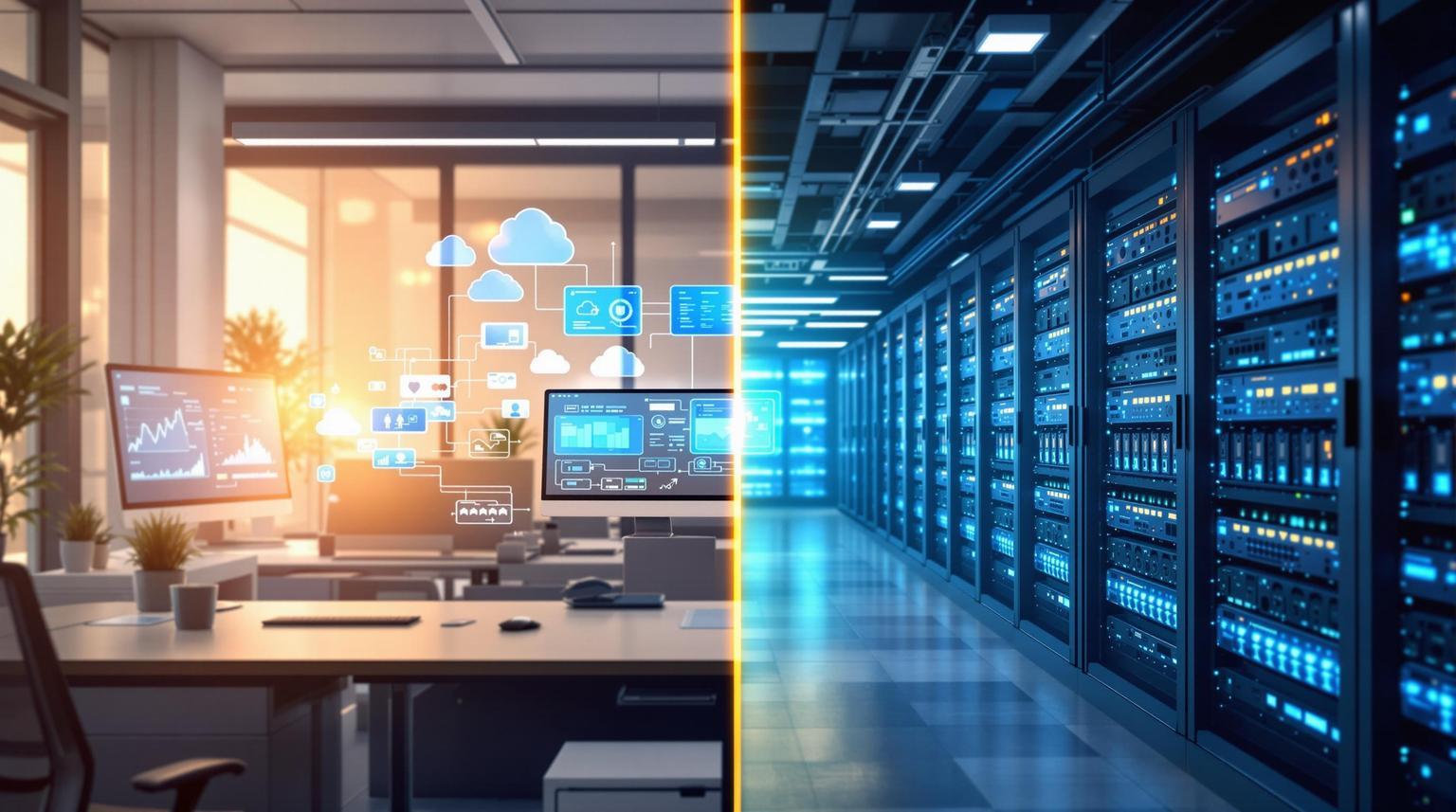
Office Server vs Data Center: Cost, Uptime & Security
Your server may be powerful, but the infrastructure supporting it matters just as much.
An office server depends on your building’s power, internet, cooling, physical security and IT resources. A data center is built specifically to provide the infrastructure required to keep servers available and protected.
So, what actually changes when you move from an office environment to a data center?
Office Server vs Data Center — At a Glance
The difference becomes easier to understand when the two environments are compared side by side.
| Area | Office Server | Data Center |
|---|---|---|
| Power | Usually dependent on office UPS/inverter | UPS + backup power infrastructure |
| Internet | Often one or limited connections | Multiple connectivity options |
| Cooling | Office AC/environment | Dedicated server-room cooling |
| Physical Security | Office access controls | Controlled facility access |
| Monitoring | Depends on internal IT team | Infrastructure monitoring |
| Maintenance | Internal team or local technician | Data center technical support |
| Scalability | Limited by office space & power | Easier infrastructure expansion |
| Downtime Protection | Depends on office setup | Infrastructure designed for availability |
The Difference Is More Than Where the Server Sits
A server in an office doesn't operate by itself. It depends on several supporting systems.
| What Your Server Needs | Typical Office Setup | Data Center Environment |
|---|---|---|
| Power | Office electricity + UPS | UPS and backup power systems |
| Network | Office ISP connection | Data center connectivity |
| Cooling | Building/office AC | Dedicated environmental control |
| Security | Office security | Controlled infrastructure access |
| Monitoring | Manual / IT team | Continuous infrastructure monitoring |
| Support | Internal IT / technician | Dedicated technical support |
The important point: even if the server hardware is identical, the infrastructure around it can be very different.
What Happens When Something Goes Wrong?
This is where the difference becomes practical.
| Situation | Office Server | Data Center |
|---|---|---|
| Power failure | Server depends on available backup | Backup power infrastructure is available |
| Internet outage | Applications may become unreachable | Multiple connectivity options can reduce dependency |
| Server room gets hot | Depends on office cooling | Dedicated cooling environment |
| Hardware problem | Someone needs to access the server | Technical team can assist on-site |
| Unauthorized access | Depends on office security | Controlled facility access |
| Infrastructure issue at night | May require someone to respond | Monitoring/support can identify issues earlier |
Your server can be UP while your business is still DOWN.
For example, if the server is working perfectly but the office internet connection fails, users and customers may still be unable to access the application.
What About Cost?
The purchase price of a server is only one part of the total cost.
| Cost Area | Office Server | Data Center |
|---|---|---|
| Server hardware | ✓ | ✓ |
| Electricity | ✓ | Included in hosting/colocation cost |
| UPS / backup power | Additional investment | Data center infrastructure |
| Cooling | Office infrastructure | Dedicated cooling |
| Internet | Separate ISP cost | Data center connectivity |
| Physical security | Office responsibility | Facility infrastructure |
| Hardware maintenance | Internal responsibility | Can be professionally managed |
| Office space | Required | Not required for the server |
| Infrastructure upgrades | Your responsibility | Data center handles facility infrastructure |
The right comparison is therefore not simply:
“How much does the server cost?”
It is:
“How much infrastructure do I need to keep the server reliably available?”
When Does an Office Server Make Sense?
An office server can be practical when the organization already has the infrastructure and support required to operate it reliably.
| Requirement | Office Server |
|---|---|
| Small internal application | ✓ |
| Existing IT infrastructure | ✓ |
| Limited number of users | ✓ |
| Low dependency on external access | ✓ |
| Dedicated server room already available | ✓ |
When Should You Consider a Data Center?
A data center becomes relevant when availability, connectivity, infrastructure and scalability become important requirements for your applications.
| Requirement | Data Center |
|---|---|
| Business-critical applications | ✓ |
| ERP / database workloads | ✓ |
| Customer-facing applications | ✓ |
| Higher availability requirements | ✓ |
| Professional infrastructure monitoring | ✓ |
| Need for better scalability | ✓ |
| Limited office infrastructure | ✓ |
The Bottom Line
An office server can be practical when your workload is small and your organization already has reliable power, connectivity, cooling and IT support.
As applications become more business-critical, however, the infrastructure around the server becomes increasingly important.
A data center brings these infrastructure requirements together in an environment designed specifically for hosting IT systems.
Your Server Deserves More Than a Rack
Power. Connectivity. Cooling. Security. Monitoring. Support.
These are not extras around your server — they are part of the environment that keeps your business applications running.